
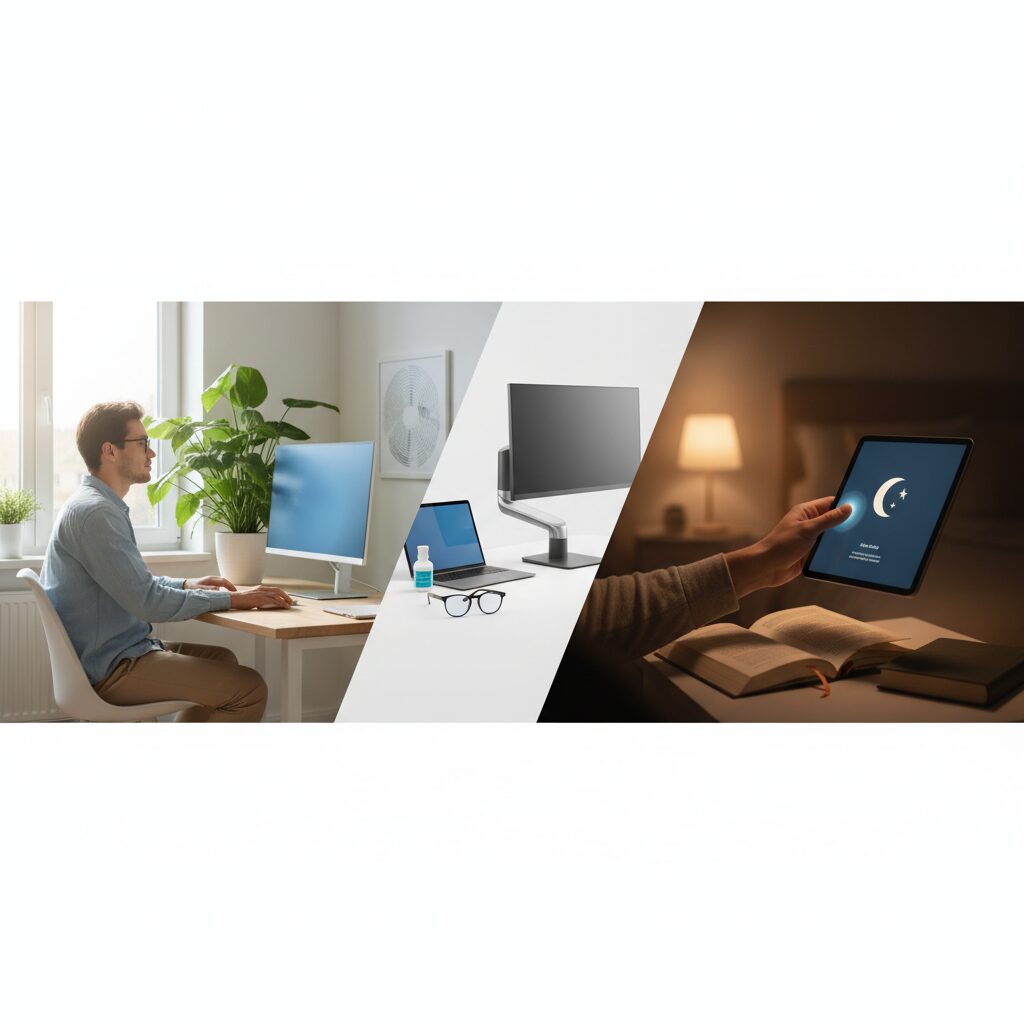
Digital eye strain is one of the most common complaints among people who spend extended time in front of screens. Whether you’re working at a computer, scrolling on your phone, or watching TV for hours, your eyes are under constant stress. Understanding how to prevent digital eye strain can make a significant difference in your daily comfort and long-term eye health.
This guide covers the most effective, evidence-backed strategies to reduce eye fatigue, dryness, and discomfort caused by screen use.
Quick Answer
To prevent digital eye strain, follow the 20-20-20 rule: every 20 minutes, look at something 20 feet away for 20 seconds. Additionally, adjust your screen brightness, reduce glare, blink more frequently, and position your monitor at arm’s length. These simple habits significantly reduce eye fatigue during prolonged screen use.
Key Takeaways
- The 20-20-20 rule is the single most effective habit for reducing eye fatigue
- Screen brightness, contrast, and color temperature all directly affect eye comfort
- Proper monitor positioning reduces both eye strain and neck tension
- Blue light exposure in the evening can disrupt sleep and worsen eye fatigue
- Dry eyes are a major contributor to digital eye strain and are largely preventable
- Choosing the right monitor can make a measurable long-term difference
What Is Digital Eye Strain?
Digital eye strain, also called computer vision syndrome, refers to a group of eye and vision-related problems caused by prolonged screen use. Symptoms include:
- Dry or irritated eyes
- Blurred or double vision
- Headaches and sensitivity to light
- Neck and shoulder pain
- Difficulty focusing after screen time
It affects an estimated 50 to 90 percent of people who work at computers regularly, according to the American Optometric Association.
The 20-20-20 Rule: Why It Works
The 20-20-20 rule is the most widely recommended method for reducing eye strain. Every 20 minutes, shift your gaze to an object at least 20 feet away and hold your focus there for 20 seconds.
This works because staring at a screen keeps your eye muscles locked in a near-focus position for extended periods. Shifting to a distant object allows the ciliary muscles inside your eye to relax, reducing accumulated tension.
Set a recurring timer or use a browser extension to remind yourself. Consistency matters more than perfection here.
Optimize Your Screen Settings
Your monitor settings play a major role in how hard your eyes have to work. Poorly calibrated screens force your eyes to compensate constantly, leading to faster fatigue.
Brightness and Contrast
Match your screen brightness to the ambient light in your room. If your screen looks like a light source compared to your surroundings, it’s too bright. If it looks dull or gray, it’s too dim.
Increase contrast slightly to make text easier to read without squinting. Most operating systems include accessibility settings that can help with this.
Color Temperature
Warmer color temperatures (lower Kelvin values) are easier on the eyes, especially in the evening. Most devices now include a “night mode” or “warm display” option that shifts the screen toward yellow tones after sunset.
Blue light in the 400 to 490 nanometer range is the primary culprit behind evening eye strain and sleep disruption. Reducing it after dark is a practical, low-effort adjustment.
Text Size and Resolution
Increase your default text size if you find yourself leaning toward the screen. Squinting and leaning forward are signs your display settings need adjustment, not that you need to sit closer.
Proper Monitor Positioning
Where your monitor sits in relation to your body has a direct impact on both eye strain and physical discomfort.
Recommended positioning guidelines:
- Position the monitor 20 to 28 inches from your eyes (roughly arm’s length)
- The top of the screen should sit at or slightly below eye level
- Tilt the screen back 10 to 20 degrees to reduce glare and neck strain
- Avoid placing your monitor directly in front of a bright window
Glare from windows or overhead lighting forces your eyes to work harder to distinguish on-screen content. Use blinds, an anti-glare screen filter, or reposition your desk to minimize reflections.
For a deeper look at displays that are specifically designed to reduce eye fatigue, the best monitors for the eyes covers top-rated options worth considering.
Blink More Intentionally
People blink about 15 to 20 times per minute normally, but that rate drops to as low as 5 to 7 times per minute during focused screen use. Reduced blinking leads directly to dry, irritated eyes.
Make a conscious effort to blink fully and regularly. Full blinks spread a fresh layer of tear film across the eye surface, preventing dryness.
If dry eyes are a persistent issue, preservative-free artificial tears can help. Avoid rubbing your eyes, which can worsen irritation.
Lighting in Your Environment
The lighting around your screen matters just as much as the screen itself. High contrast between a bright screen and a dark room forces your pupils to constantly adjust, which is exhausting over time.
Practical lighting tips:
- Use ambient room lighting that’s roughly the same brightness as your screen
- Avoid sitting directly under harsh fluorescent overhead lights
- Use a desk lamp with warm, diffused light rather than direct bright light
- Consider bias lighting (a soft light behind your monitor) to reduce contrast fatigue
Take Regular Breaks and Move
Eye strain rarely exists in isolation. It typically comes with neck tension, shoulder stiffness, and general fatigue from sitting still. Regular movement breaks serve double duty.
Stand up, stretch, and walk around for at least 5 minutes every hour. This improves circulation, reduces muscle tension, and gives your eyes a genuine rest from close focus.
If you’re curious about how TV shows influence human behavior and screen habits more broadly, extended passive screen time carries its own set of concerns worth understanding.
Consider Your Eyewear
If you wear glasses or contacts, make sure your prescription is current. An outdated prescription forces your eyes to strain in order to compensate, accelerating fatigue significantly.
Computer glasses are prescription lenses optimized for the intermediate distance of a monitor (typically 20 to 26 inches). They differ from standard reading glasses and are worth discussing with an optometrist if you spend more than four hours a day at a screen.
Blue light filtering lenses are also available, though research on their effectiveness is mixed. They may help some users, particularly those sensitive to light.
When to See an Eye Doctor
Occasional eye fatigue from a long workday is normal. However, certain symptoms warrant a professional evaluation:
- Persistent blurred vision that doesn’t resolve after rest
- Frequent headaches concentrated around the eyes or forehead
- Double vision or difficulty focusing at any distance
- Significant light sensitivity
An optometrist can rule out underlying conditions and recommend targeted solutions, including specialized lenses or eye drops.
Conclusion
Preventing digital eye strain comes down to a combination of smart habits, proper screen setup, and awareness of how your environment affects your eyes. The 20-20-20 rule, adjusted monitor settings, intentional blinking, and good ambient lighting are the most impactful changes you can make today.
Small, consistent adjustments add up significantly over time. If you spend several hours a day in front of a screen, treating eye comfort as a priority is a practical investment in your long-term health.
FAQs
How long does it take for digital eye strain to go away?
Mild digital eye strain typically resolves within a few hours of rest away from screens. If symptoms persist beyond a day or two, an underlying issue such as an outdated prescription or dry eye condition may be contributing.
Does blue light really cause eye strain?
Blue light contributes to eye strain primarily through its effect on alertness and sleep disruption rather than direct eye damage. Reducing blue light exposure in the evening can improve both comfort and sleep quality.
Can kids get digital eye strain?
Yes, children are just as susceptible to digital eye strain as adults, and their symptoms can go unnoticed longer. Limiting screen time, encouraging outdoor play, and scheduling regular eye exams are important preventive measures for children.
Is dark mode better for your eyes?
Dark mode reduces overall screen brightness and can lower eye fatigue in low-light environments. However, it is not universally better for everyone, and some users find light mode easier to read in bright settings.
Does the 20-20-20 rule actually work?
Yes, research supports the 20-20-20 rule as an effective way to reduce eye muscle fatigue during screen use. It works best when practiced consistently throughout the day rather than only when symptoms appear.
This article was last updated on June 10, 2026 .
