
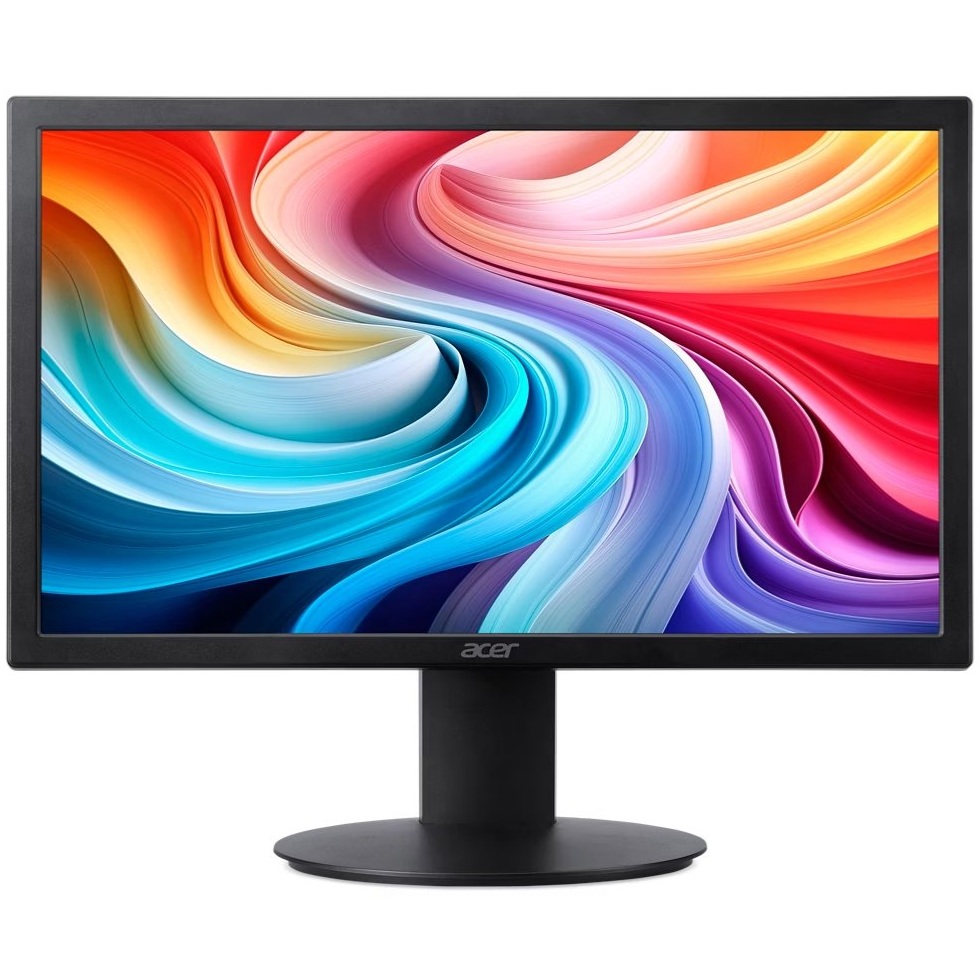
Acer is one of the most recognized names in the display market, offering monitors across a wide range of categories from basic office displays to high-performance gaming screens. Whether you’re setting up a home office, upgrading your gaming rig, or looking for a reliable everyday display, Acer has a monitor line designed for your use case.
Understanding the differences between Acer’s monitor series helps you make a smarter purchasing decision. With so many models varying price points, knowing what to look for saves time and prevents buyer’s remorse.
Quick Answer
Acer monitors are a reliable choice for most users, offering a broad lineup that spans budget office displays, mid-range productivity screens, and high-refresh-rate gaming monitors. They are generally known for competitive pricing, decent build quality, and wide availability. Most users will find a suitable Acer model between $100 and $400.
Key Takeaways
- Acer produces monitors across multiple series, each targeting a different type of user
- The Nitro and Predator lines are designed specifically for gaming, with high refresh rates and fast response times
- The ProDesign and ConceptD series target creative professionals who need accurate color reproduction
- Most Acer monitors use IPS, VA, or TN panels, each with distinct trade-offs
- Acer monitors are widely available and competitively priced compared to similar brands
- Build quality and features vary significantly between entry-level and premium models
Acer’s Main Monitor Series Explained
Nitro Series
The Nitro series is Acer’s entry-to-mid-range gaming lineup. These monitors typically offer refresh rates of 144Hz to 165Hz, AMD FreeSync support, and fast response times at accessible price points. They are a strong option for casual to competitive gamers who want smooth gameplay without spending on a premium display.
Most Nitro monitors use IPS or VA panels, giving users a choice between better color accuracy or deeper contrast depending on the model. Panel type matters here because it directly affects your visual experience in games and everyday use.
Predator Series
The Predator series represents Acer’s flagship gaming monitors. These displays push performance further with refresh rates reaching 240Hz or higher, NVIDIA G-Sync compatibility, and OLED or Mini-LED panel options on select models. They are built for enthusiasts who demand the best possible gaming experience and are willing to pay a premium.
Predator monitors often include advanced features like HDR support, ergonomic stands with full adjustability, and RGB lighting. If you’re a competitive or hardcore gamer, the Predator line is worth the investment.
ProDesign and ConceptD Series
These series are aimed at creative professionals, including photographers, video editors, and graphic designers. They prioritize color accuracy, often covering 99% of the DCI-P3 or Adobe RGB color spaces, and come factory-calibrated in some configurations.
If color-critical work is your priority, these monitors are engineered to meet professional standards. They are the right choice for gaming due to lower refresh rates, but they excel in environments where color fidelity matters most. If you’re experiencing color issues on a display, it’s worth reading about why colors look washed out or gray on HDR monitors to understand how panel settings affect what you see.
Everyday and Business Monitors
Acer’s standard lineup, including the V, B, and R series, covers everyday computing and business use. These monitors prioritize value, offering Full HD or QHD resolution with basic ergonomic features at affordable prices. They are ideal for office work, general web browsing, and productivity tasks.
Panel Types Used in Acer Monitors
| Panel Type | Best For | Trade-Off |
|---|---|---|
| IPS | Color accuracy, wide viewing angles | Slightly higher cost |
| VA | Deep blacks, high contrast | Slower response time |
| TN | Fast response, low input lag | Poor viewing angles, weaker colors |
| OLED | Exceptional contrast and color | Higher price, potential burn-in |
Understanding panel types is one of the most important steps when choosing any monitor. Acer uses all four panel technologies across its lineup, so the series alone does not determine what panel you’re getting. Always verify the panel type in the product specifications before purchasing.
Resolution Options Across Acer’s Lineup
Acer monitors are available in several resolutions. Here is what you can typically expect:
- 1080p (Full HD): Common in budget and entry-level gaming monitors
- 1440p (QHD): Found in mid-range gaming and productivity monitors, offering a strong balance of sharpness and performance
- 4K (UHD): Available in premium models, ideal for creative work and media consumption
- Ultrawide (2560×1080 or 3440×1440): Offered in select Nitro and Predator models for immersive gaming
If you’re curious about how resolution affects your display, our breakdown of 1440 x 900 resolution explains how pixel density impacts sharpness and clarity across different screen sizes.
How Acer Compares to Other Monitor Brands
Acer sits in a competitive space alongside brands like AOC and ViewSonic. Compared to AOC monitors, Acer tends to offer more diverse series segmentation with clearer product tiers. Compared to ViewSonic monitors, Acer has a stronger gaming-focused lineup while ViewSonic leans more toward education and professional displays.
Neither brand is universally superior. The best choice depends on your specific use case, budget, and the features that matter most to you.
Common Concerns and Considerations
Eye Strain and Extended Use
Many Acer monitors include flicker-free backlighting and blue light filter modes. These features help reduce eye fatigue during long work or gaming sessions. If you use a monitor for several hours a day, these features are worth prioritizing. For more guidance on reducing eye fatigue, the article on how to prevent digital eye strain covers practical steps you can take beyond just monitor settings.
Refresh Rate and Display Output
A common issue users encounter is a monitor not displaying its maximum refresh rate after setup. This is usually a software or cable configuration problem rather than a hardware defect. If you’re running into this issue, understanding why a 144Hz monitor might show 60Hz can help you troubleshoot quickly.
Multi-Monitor Setups
Acer monitors work well in multi-monitor configurations. Their thin bezels on many models make them particularly suited for side-by-side setups. If you’re planning a dual or multi-monitor workspace, reviewing a complete guide to multiple monitor setups will help you plan your configuration effectively.
Who Should Buy an Acer Monitor
- Casual users and office workers: The V and B series offer reliable performance at low cost
- Budget gamers: The Nitro series delivers solid gaming performance without a high price tag
- Enthusiast and competitive gamers: The Predator series provides top-tier specs and build quality
- Creative professionals: The ProDesign and ConceptD series offer factory-calibrated color accuracy
Conclusion
Acer monitors cover nearly every user category, from basic office displays to professional-grade creative screens and high-performance gaming monitors. The key to choosing the right Acer monitor is understanding which series aligns with your needs and verifying the panel type and resolution before purchasing.
With competitive pricing and wide availability, Acer remains one of the most practical monitor brands for most buyers in the US market.
FAQs
Are Acer monitors good quality?
Acer monitors offer solid quality relative to their price point. Build quality and feature sets vary significantly between series, so the value you get depends on which product line you choose.
What is the difference between Acer Nitro and Predator monitors?
Nitro monitors are entry-to-mid-range gaming displays with refresh rates typically up to 165Hz. Predator monitors are premium gaming displays with higher refresh rates, better panel options, and more advanced features at a higher price.
Do Acer monitors support HDMI and DisplayPort?
Most Acer monitors include both HDMI and DisplayPort connections. Higher-end models may also include USB-C. Always check the specific model’s connectivity specs before purchasing.
How long do Acer monitors typically last?
With normal use, Acer monitors generally last between five and ten years. Panel longevity depends on usage hours, brightness settings, and whether the display uses OLED technology, which carries a slightly higher risk of burn-in over time.
Is Acer a good brand for gaming monitors?
Yes, Acer is a well-regarded brand in the gaming monitor market. The Nitro series offers strong value for budget-conscious gamers, while the Predator series competes directly with premium gaming monitors from other top brands.
This article was last updated on June 17, 2026 .
