
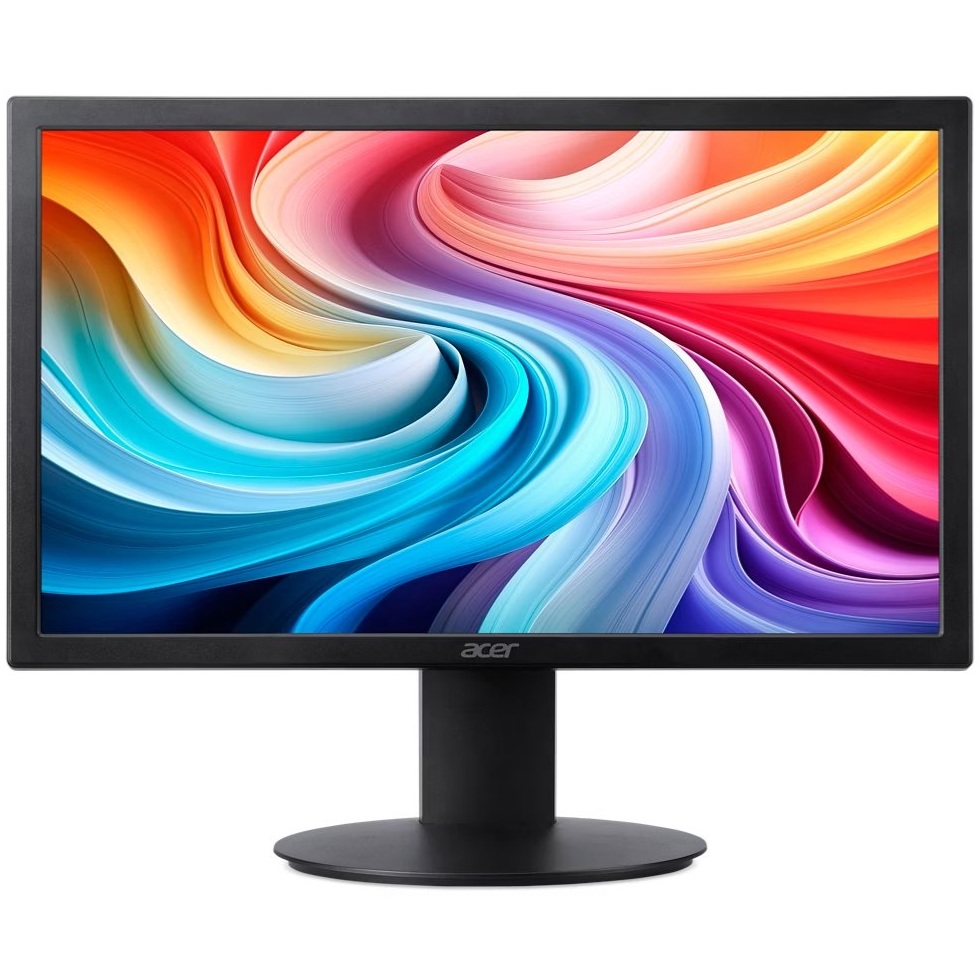
Philips is one of the most established names in display technology, with a monitor lineup that spans workstations, home offices, gaming setups, and everyday computing. Their monitors are widely available in the US market and are recognized for combining solid build quality with competitive pricing.
Whether you areating your first Philips monitor or comparing it against other brands, this guide breaks down what matters most: panel types, key features, performance expectations, and who each category is built for.
Quick Answer
Philips monitors are a reliable mid-range to premium option for most users. They offer a broad selection of IPS, VA, and OLED panels with strong ergonomic features, built-in USB hubs, and competitive pricing. Philips is particularly well-regarded for productivity and professional displays, though their gaming lineup has grown significantly in recent years.
Key Takeaways
- Philips offers monitors across multiple categories including productivity, gaming, professional color work, and budget everyday use
- Most Philips monitors include strong ergonomic stands with height, tilt, swivel, and pivot adjustments
- Their Brilliance and Evnia lines cover professional and gaming use cases respectively
- Philips is known for integrating USB-C docking and KVM switch functionality into many mid-range models
- Panel quality is consistent, though color accuracy varies by series and intended use
- Philips monitors are generally priced competitively against comparable models from Dell, LG, and ViewSonic
Who Makes Philips Monitors?
Philips monitors are manufactured and distributed by MMD, a company that licenses the Philips brand for display products. MMD is headquartered in Amsterdam and operates globally, including strong distribution across the US market.
This is similar to how other major electronics brands license for specific product categories. The Philips brand carries strong consumer trust, and MMD has maintained consistent quality standards across their monitor lineupips Monitor Product Lines Explained
Brilliance Series
The Brilliance line is Philips’ flagship productivity and professional category. These monitors typically feature:
- IPS or VA panels with accurate color reproduction
- USB-C connectivity with power delivery (often 65W to 96W)
- Built-in USB hub and KVM switch support
- Ergonomic stands with full range of adjustment
- Sizes ranging from 24 inches to 45 inches ultrawide
The Brilliance series is a strong choice for professionals who need reliable color accuracy, clean cable management, and multi-device workflows. If you are looking for a productivity-first monitor with docking capability, this line is worth prioritizing.
Evnia Series
The Evnia line is Philips’ dedicated gaming monitor category. Key characteristics include:
- Fast IPS and OLED panels with high refresh rates (up to 240Hz)
- Low response times (1ms GTG on many models)
- AMD FreeSync Premium and NVIDIA G-Sync Compatible support
- Curved and flat panel options in 27 to 34 inch sizes
- Ambient lighting features on select models
Philips Evnia monitors compete directly with gaming displays from brands like AOC and ViewSonic. If you want to compare how gaming-focused monitor brands stack up, this ViewSonic Monitor buying guide covers similar territory.
E-line and B-line Series
These are Philips’ entry-level and business-oriented displays. They prioritize:
- Affordable pricing for budget-conscious buyers
- 1080p and 1440p resolution options
- Basic ergonomic adjustment (tilt only on some models)
- Flicker-free and low blue light features for extended use
These are practical monitors for general office, secondary displays, or users who do not need advanced color accuracy or high refresh rates. If eye comfort during long sessions is a priority, pa of these with good habits outlined in this guide to preventing digital eye strain can make a meaningful difference.
Key Features Philips Monitors Are Known For
USB-C and Docking Integration
Philips is one of the more aggressive brands when it comes to integrating USB-C docking functionality into standard monitors. Many mid-range Brilliance models include:
- USB-C with DisplayPort Alt Mode and power delivery
- Built-in USB-A and USB-C downstream ports
- RJ45 Ethernet pass-through on select controlling two computers with one keyboard and mouse
This makes Philips monitors especially practical for laptop users who want a single-cable connection.
Ergonomics and Build Quality
Most Philips monitors above the entry level include a full ergonomic stand. This means height adjustment, tilt, swivel, and portrait pivot. The stands feel sturdy, and VESA mounting compatibility is standard across the lineup.
Panel Consistency
Philips uses IPS panels in most of their productivity and monitors, which provides wide viewing angles and accurate color. VA panels appear in some larger curved models, offering better contrast ratios at the expense of slightly slower response times.
For users building a multiple monitor setup, matching panel types across displays helps maintain visual consistency.
Philips vs. Competing Brands
| Feature | Philips | AOC | ViewSonic |
|---|---|---|---|
| USB-C across-range | Limited to select models | Available in business lines | |
| Gaming Options | Evnia series | Strong gaming lineup | Solid |
| Ergonomics | Full adjustment standard | Varies by model | Full adjustment on most |
| Price Range | $150 to $800+ | $100 to $600+ | $130 to $700+ |
| OLED Options | Yes (Evnia) | Limited | Limited |
For a deeper look at how AOC compares, the AOC Monitor buying guide covers their lineup in detail.
Common Issues to Know About
HDR performance varies significantly across Philips models. Entry-level monitors labeled as HDR often deliver DisplayHDR 400 certification, which provides minimal real-world HDR improvement. If HDR quality matters for DisplayHDR 600 or higher. is a of disappointment covered in detail in this article on why colors look washed out on HDR monitors.
Refresh rate settings sometimes need manual configuration after setup. If your Philips monitor is not running at its advertised refresh rate, this troubleshooting guide for 144Hz monitors showing 60Hz applies directly.
Conclusion
Philips monitors offer a well-rounded lineup that covers productivity, gaming, and everyday computing without significant trade-offs at their respective price points. Their strength is in mid-range professional displays with docking integration, ergonomic flexibility, and consistent panel quality. Understanding which product line fits your use case is the most important step before purchasing.
FAQs
Are Philips monitors good quality?
Yes, Philips monitors are considered reliable and well-built for their price range. Their mid-range and professional models in particular offer strong panel quality, ergonomic stands, and useful connectivity features.
Who manufactures Philips monitors?
Philips monitors are made by MMD, a company that licenses the Philips brand specifically for display products. MMD handles design, manufacturing, and distribution globally.
Do Philips monitors work well for gaming?
The Evnia series is designed specifically for gaming and offers fast IPS and OLED panels with high refresh rates and adaptive sync support. They compete well against other mid-range gaming monitors.
What is the difference between Philips Brilliance and Evnia?
Brilliance is Philips’ productivity and professional line focused on color accuracy, USB-C docking, and ergonomics. Evnia is their gaming line focused on fast response times, high refresh rates, and immersive features.
Are Philips monitors good for working from home?
Yes, particularly the Brilliance series. Their USB-C docking, KVM switch support, and ergonomic stands make them practical for home office setups where cable management and multi-device use matter.
This article was last updated on June 23, 2026 .
