

The computer monitor is one of the most essential pieces of technology in modern life, yet most people have never stopped to wonder where it came from or who made it possible. Understanding the inventor of the monitor means tracing a fascinating line of innovation that spans decades and involves multiple pioneering minds. This article…
Category: Monitors
Best Type of VSync: Which One Should You Use?

VSync, or vertical synchronization, is a display technology that synchronizes your GPU’s frame output with your monitor’s refresh rate. Without it, you may experience screen tearing, which happens when the GPU sends frames faster than the monitor can display them. Choosing the right type of VSync can significantly affect your gaming experience. Not all VSync…
HDMI Setting: What It Is, How It Works, and How to Configure It
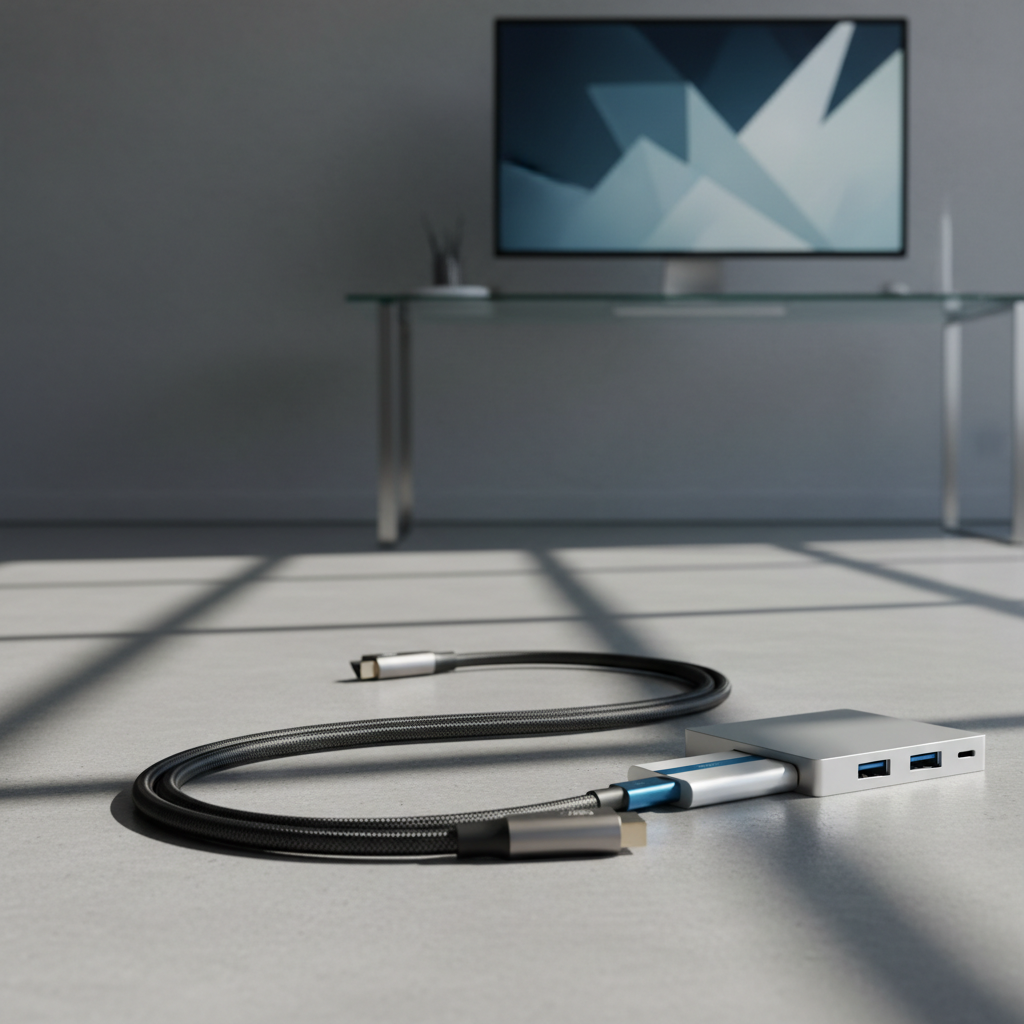
HDMI settings control how your devices communicate through an HDMI connection, affecting picture quality, audio output, refresh rate, and more. Whether you’re connecting a monitor, TV, gaming console, or laptop, understanding your HDMI settings can make a significant difference in your viewing and listening experience. Most people plug in an HDMI cable and assume everything…
How to Set Up Dual Monitors Easily on Windows Using HDMI
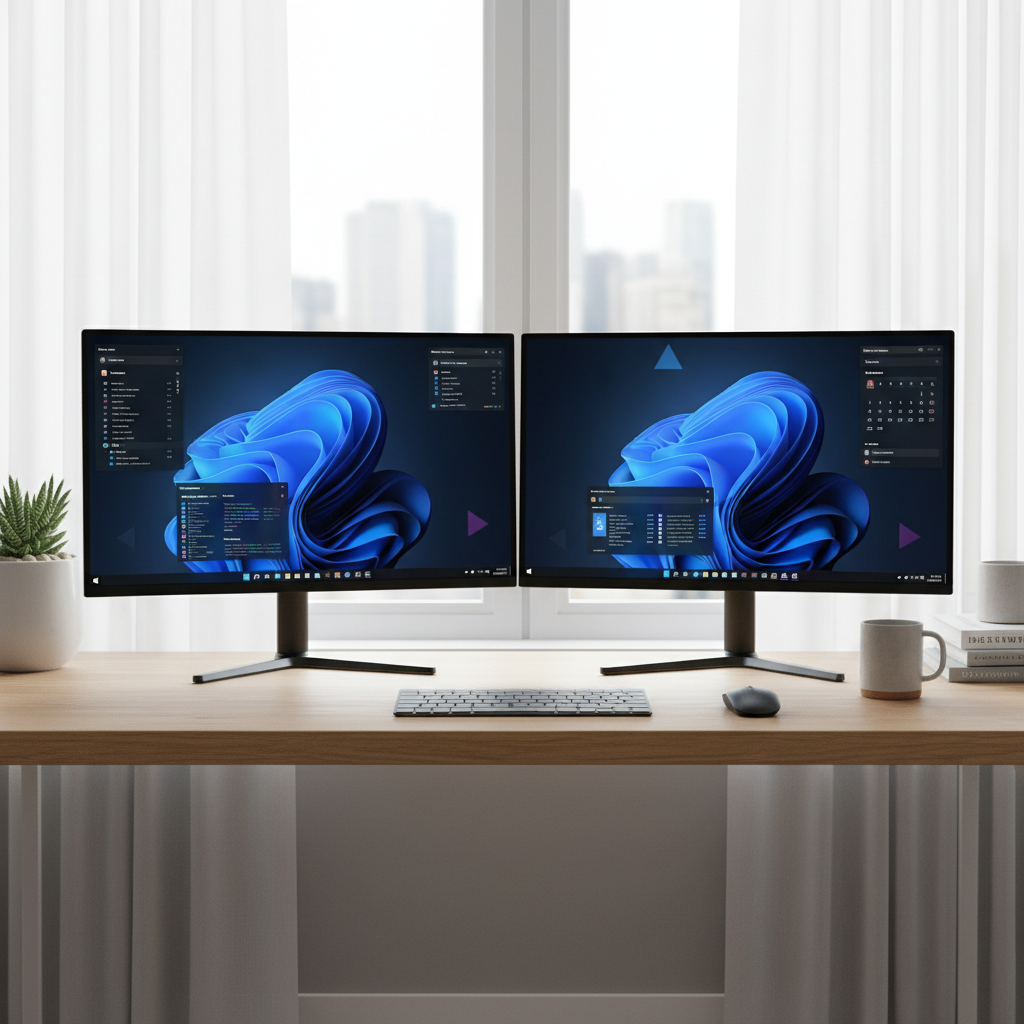
Setting up dual monitors on Windows is one of the most effective ways to boost productivity, improve multitasking, and create a more comfortable workspace. Whether you’re working from home, gaming, or managing multiple applications at once, a second screen makes a significant difference. This guide walks you through the entire process of connecting two monitors…
BenQ Monitors: What You Need to Know Before You Buy
BenQ is a Taiwanese display brand with a strong reputation in gaming, professional creative work, and eye-care technology. If you’re researching monitors and BenQ keeps coming up, there’s a good reason. The brand consistently delivers reliable performance across a wide range of use cases and price points. This guide covers everything you need to know…
MSI Monitors: What You Need to Know Before You Buy
MSI is best known for gaming hardware, but the brand has expanded into a full lineup of monitors covering gaming, professional work, and everyday use. If you’re researching MSI monitors, you’ll find a wide range of panel types, refresh rates, and price points that can make the decision feel overwhelming. This guide breaks down what…
Philips Monitors: What You Need to Know Before You Buy
Philips is one of the most established names in display technology, with a monitor lineup that spans workstations, home offices, gaming setups, and everyday computing. Their monitors are widely available in the US market and are recognized for combining solid build quality with competitive pricing. Whether you areating your first Philips monitor or comparing it…
Acer Monitor: What You Need to Know Before You Buy
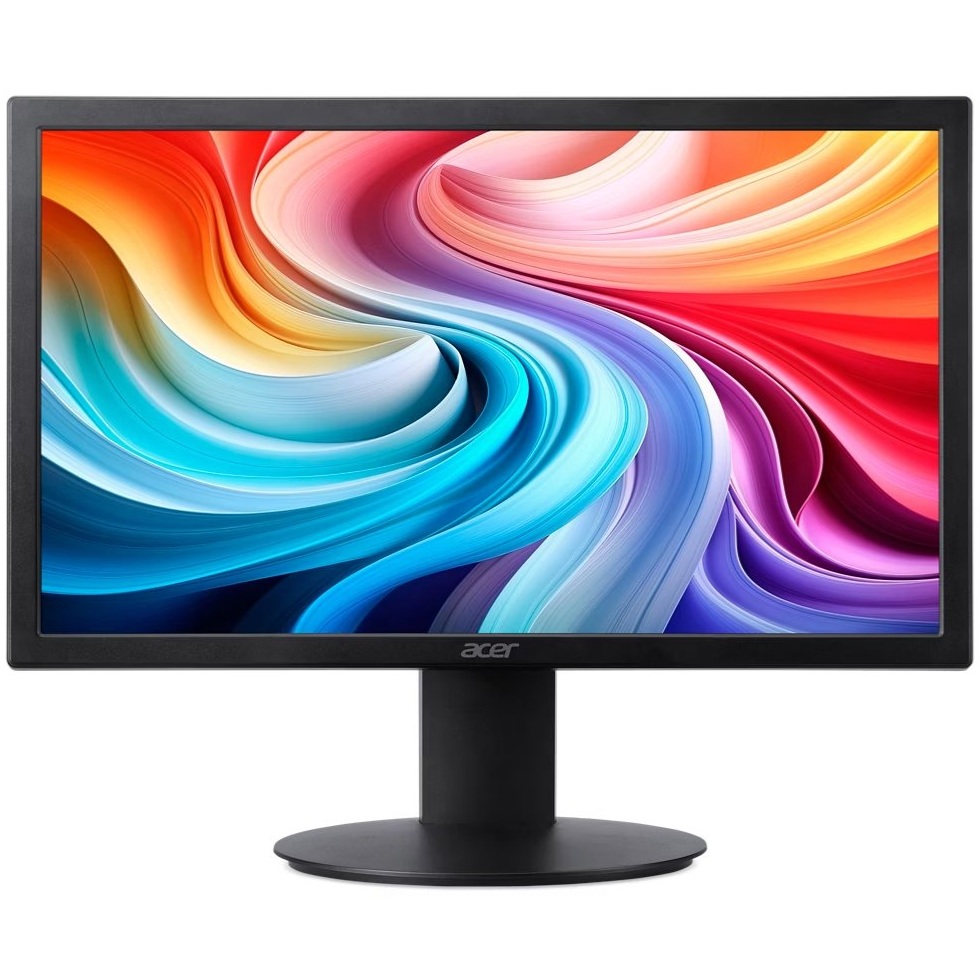
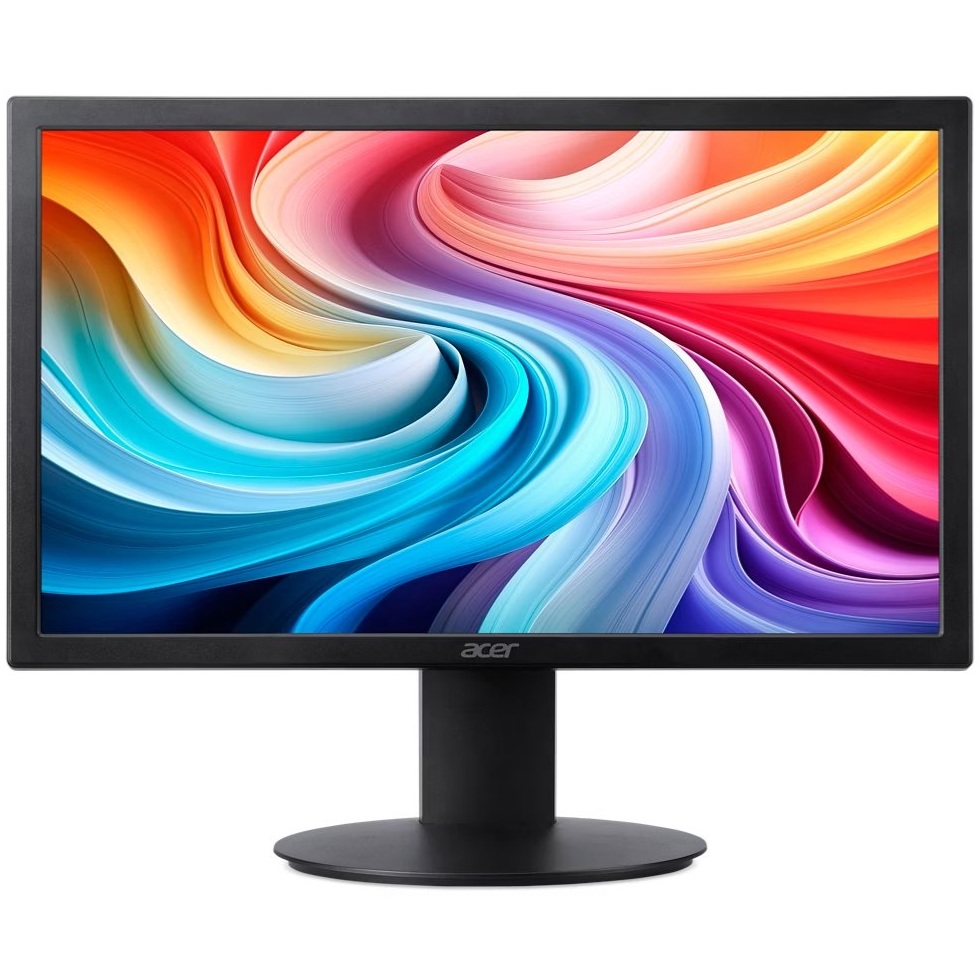
Acer is one of the most recognized names in the display market, offering monitors across a wide range of categories from basic office displays to high-performance gaming screens. Whether you’re setting up a home office, upgrading your gaming rig, or looking for a reliable everyday display, Acer has a monitor line designed for your use…
ViewSonic Monitor: What You Need to Know Before You Buy
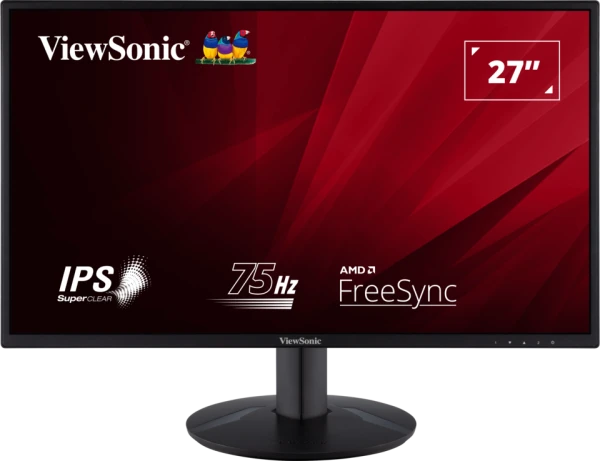
ViewSonic is a well-established display brand that has been producing monitors for professionals, gamers, and everyday users for decades. If you’re researching a ViewSonic monitor, you’re likely weighing whether the brand delivers reliable performance at its price point. This guide breaks down what ViewSonic offers, who their monitors are best suited for, and what to…
Why Do My Colors Look Washed Out or Gray on My New HDR Monitor?
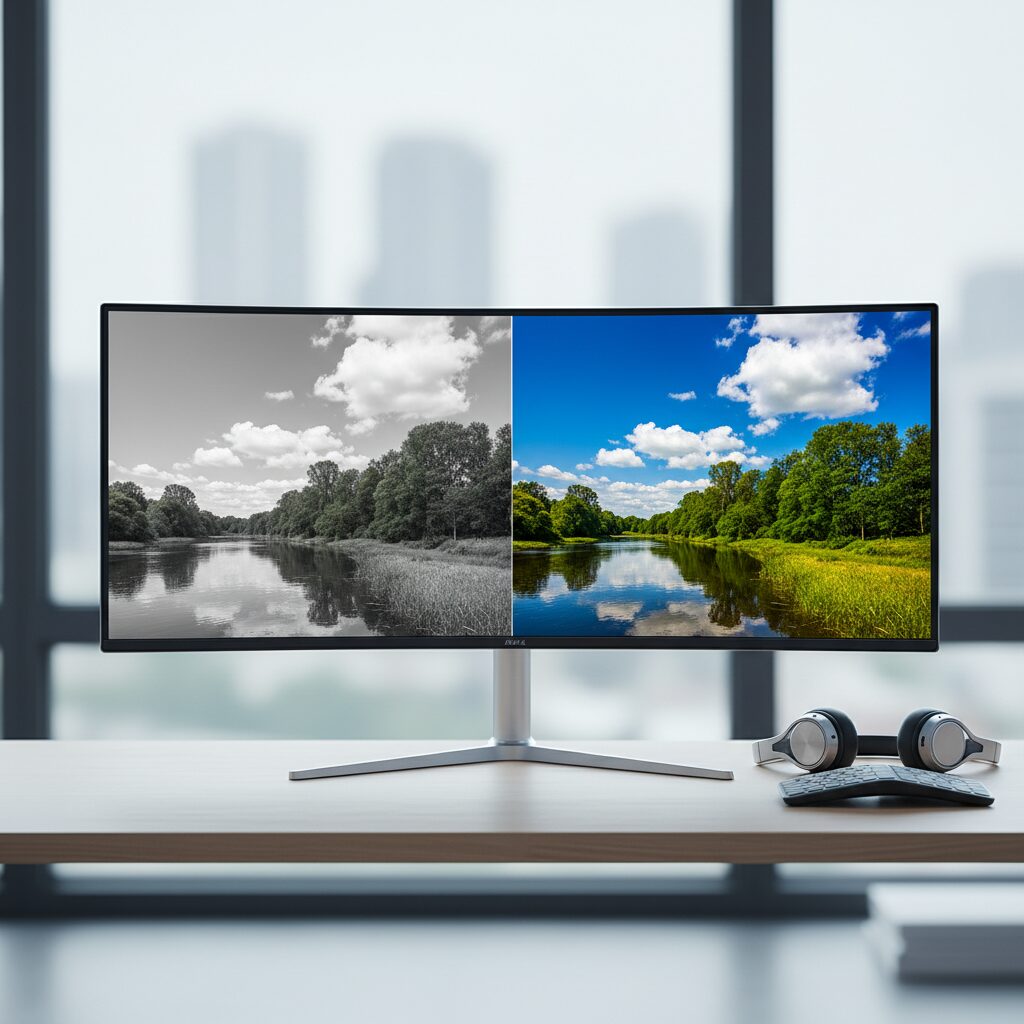
You just unboxed a shiny new HDR monitor, plugged everything in, and instead of the vivid, punchy colors you expected, everything looks pale, flat, and gray. This is one of the most common frustrations with HDR displays, and the good news is that it almost always comes down to a settings problem rather than a…