
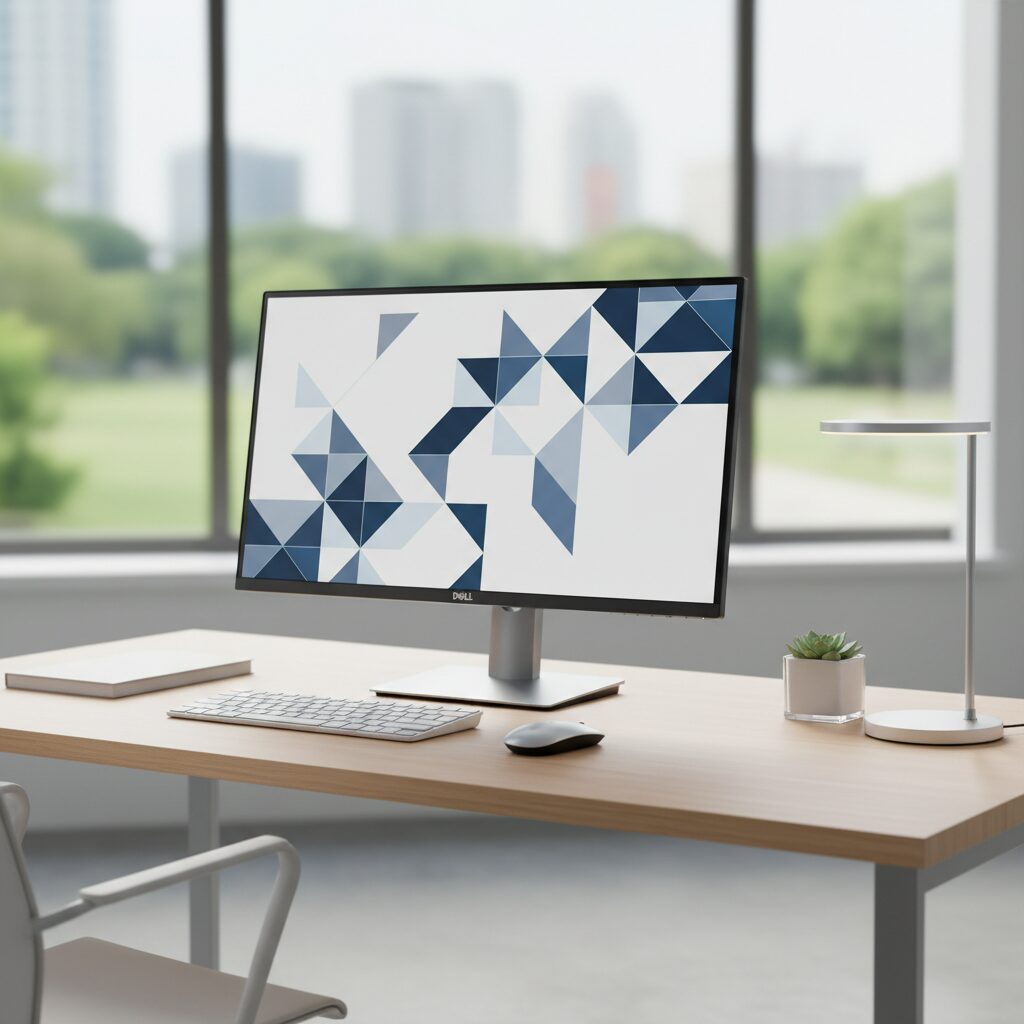
The Dell P2219H is a 21.5-inch monitor designed for professional and everyday computing environments. One of the most common questions buyers and users have is about its resolution capabilities and how that affects day-to-day use. Understanding the P2219H resolution helps you determine whether this display is the right fit for your workspace.
This guide breaks down the native resolution, display quality, supported modes, and practical performance of the Dell P2219H in a clear, factual format.
Quick Answer: What Is the P2219H Resolution?
The Dell P2219H has a native resolution of 1920 x 1080 pixels (Full HD / 1080p) at a pixel density of approximately 102 PPI (pixels per inch). It uses an IPS panel with a 16:9 aspect ratio and supports a maximum refresh rate of 60Hz. This resolution is the standard for most productivity-focused 21.5-inch monitors.
Key Takeaways
- The Dell P2219H features a 1920 x 1080 (Full HD) native resolution
- It uses an IPS panel, delivering accurate colors and wide viewing angles
- Pixel density is approximately 102 PPI, which is adequate for a 21.5-inch screen
- The monitor supports a 60Hz refresh rate, making it suited for office use rather than gaming
- It is compatible with VGA, DisplayPort, and HDMI inputs for flexible connectivity
- The display covers 99% of the sRGB color space, making it reliable for color-accurate work
What Panel Type Does the P2219H Use?
The Dell P2219H uses an In-Plane Switching (IPS) panel. IPS panels are known for their consistent color reproduction and wide viewing angles, typically up to 178 degrees horizontally and vertically.
This makes the P2219H a strong choice for users who need accurate on-screen colors, such as designers, writers, and general office workers. Unlike TN panels, IPS displays maintain color accuracy even when viewed from the side.
Understanding the 1920 x 1080 Resolution on a 21.5-Inch Screen
At 21.5 inches, a 1920 x 1080 resolution produces a pixel density of roughly 102 PPI. This is considered a comfortable density for a standard desktop viewing distance of 20 to 30 inches.
Text, icons, and UI elements appear sharp and readable without needing display scaling. For users who need to run multiple windows side by side or work with spreadsheets and documents, this resolution provides enough screen real estate without requiring a larger display.
Is 1080p Enough for Productivity?
For most office and productivity tasks, 1080p on a 21.5-inch monitor is more than sufficient. Common use cases where this resolution performs well include:
- Word processing and spreadsheet work
- Web browsing and email
- Video conferencing
- Light photo editing
- Coding and development environments
For tasks requiring extreme detail, such as professional photo editing or video production, a higher resolution display may be worth considering. However, for the majority of business and general-purpose users, the P2219H resolution handles daily workloads with ease.
For a detailed breakdown of this monitor’s full feature set, check out the Dell P2219H Monitor Review: Is This the Best 21.5″ FHD Monitor?
Supported Resolutions and Display Modes
While the native resolution is 1920 x 1080, the P2219H also supports lower resolutions through its display inputs. The monitor will scale these resolutions to fit the screen, though image sharpness decreases when running below native resolution.
| Resolution | Aspect Ratio | Status |
|---|---|---|
| 1920 x 1080 | 16:9 | Native (Recommended) |
| 1280 x 1024 | 5:4 | Supported |
| 1280 x 720 | 16:9 | Supported |
| 1024 x 768 | 4:3 | Supported |
| 800 x 600 | 4:3 | Supported |
Always running the display at its native 1920 x 1080 resolution will give you the sharpest, clearest image.
Refresh Rate and Its Relationship to Resolution
The P2219H supports a maximum refresh rate of 60Hz at its native 1920 x 1080 resolution. For office use, document editing, and general computing, 60Hz is entirely adequate.
If you are a gamer or someone who works with fast-moving visuals, 60Hz may feel limiting. Monitors with higher refresh rates, such as 144Hz models, are better suited for those needs. If you have ever wondered why a higher refresh rate monitor might not be performing as expected, the guide on why your 144Hz monitor might only be showing 60Hz offers useful troubleshooting insight.
Connectivity Options and Resolution Support
The Dell P2219H includes three input options, each capable of carrying the full 1920 x 1080 signal:
- HDMI 1.4 – Supports 1080p at 60Hz
- DisplayPort 1.2 – Supports 1080p at 60Hz
- VGA – Supports 1080p, though signal quality may be slightly lower than digital inputs
For the best image quality, using HDMI or DisplayPort is recommended over VGA, which is an analog signal. DisplayPort is particularly useful if you plan to daisy-chain monitors or use the display in a multi-monitor setup.
If you are exploring whether a monitor can function as a standalone display without a traditional computer setup, the article on using a monitor by itself covers practical use cases in detail.
Color Accuracy and Visual Performance at 1080p
The P2219H covers 99% of the sRGB color gamut, which is a strong result for a monitor in this category. Combined with its IPS panel and 1080p resolution, the display delivers consistent, accurate colors across the screen.
Brightness is rated at 250 cd/m2, and the contrast ratio is 1000:1, which are both standard specifications for IPS monitors in this price range. The result is a display that handles everyday visual tasks well, from reading documents to watching videos during breaks.
Who Should Use the P2219H at This Resolution?
The 1920 x 1080 resolution on a 21.5-inch screen suits a specific type of user very well. This monitor is a strong match for:
- Office professionals who need a reliable, eye-friendly display for long work sessions
- Students working from home or a dorm setup
- IT departments deploying consistent monitor setups across workstations
- Home users who want a clean, no-frills display for general computing
It is not the best fit for users who need ultra-sharp visuals for professional photo editing, 4K video work, or high-frame-rate gaming.
Conclusion
The Dell P2219H resolution of 1920 x 1080 is a well-matched specification for its 21.5-inch IPS panel. It delivers sharp, accurate visuals for productivity, office work, and general computing without overcomplicating setup or compatibility. For anyone evaluating this monitor, the resolution is a practical strength rather than a limitation.
Understanding what a monitor’s resolution means in real-world terms helps you make informed purchasing and setup decisions. The P2219H sits firmly in the sweet spot for users who prioritize reliability, color accuracy, and ease of use over cutting-edge specs.
Frequently Asked Questions
What is the native resolution of the Dell P2219H?
The Dell P2219H has a native resolution of 1920 x 1080 pixels, also known as Full HD or 1080p. This is the recommended resolution for the sharpest image quality on this.
Does the P2219H support 4K resolution?
No, the Dell P2219H does not support 4K resolution. Its maximum supported resolution is 1920 x 1080. Running a 4K signal through this monitor will result in downscaling to 1080p.
What is the pixel density of the Dell P2219H?
The P2219H has a pixel density of approximately 102 pixels per inch (PPI). At a typical desktop viewing distance, this produces a clear and readable image without noticeable pixelation.
Can the P2219H run at 1080p through VGA?
Yes, the P2219H can display 1080p through its VGA port, but VGA is an analog connection and may result in slightly softer image quality compared to HDMI or DisplayPort.
Is the P2219H good for eye strain at 1080p?
The P2219H includes a flicker-free screen and a ComfortView feature that reduces blue light emission, making it more comfortable for extended use at its 1080p resolution.
This article was last updated on April 22, 2026 .
