
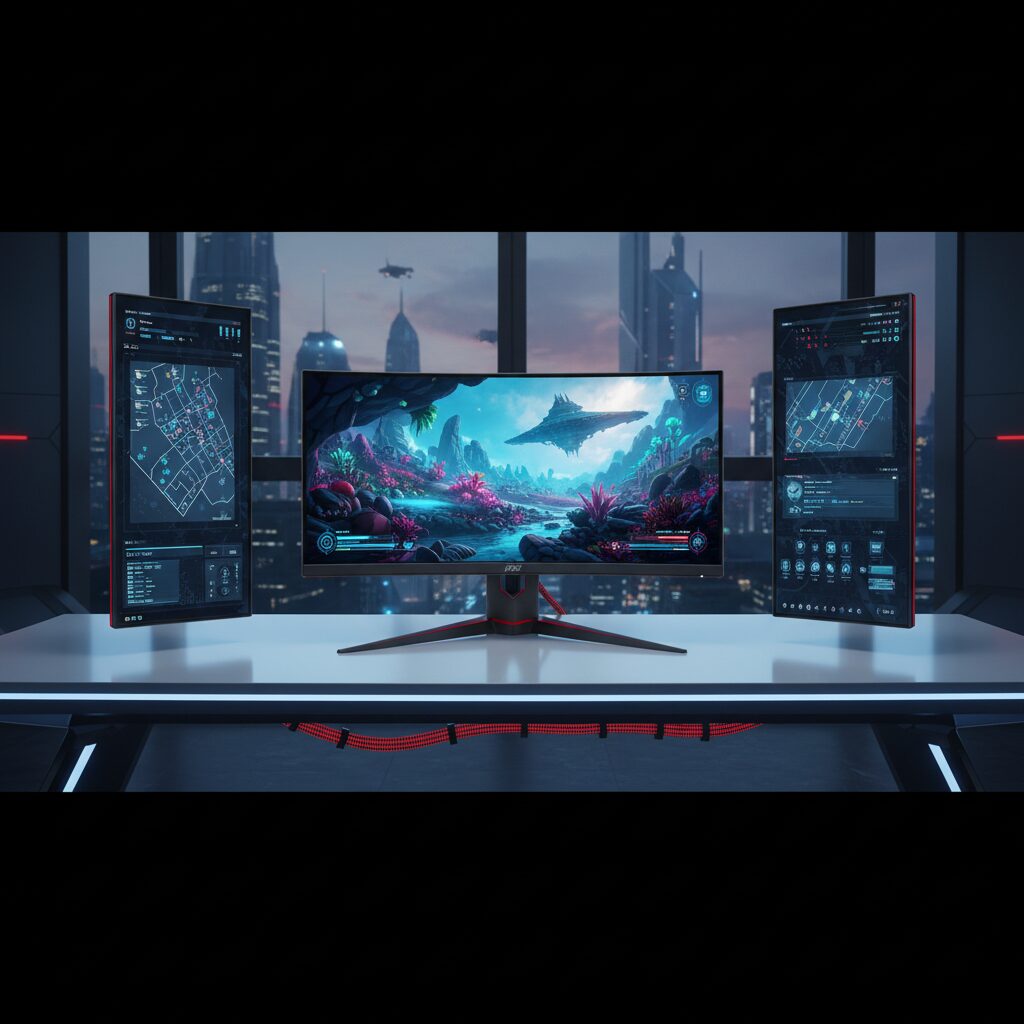
MSI is best known for gaming hardware, but the brand has expanded into a full lineup of monitors covering gaming, professional work, and everyday use. If you’re researching MSI monitors, you’ll find a wide range of panel types, refresh rates, and price points that can make the decision feel overwhelming.
This guide breaks down what actually matters before you buy, so you can match the right MSI monitor to your specific needs.
Quick Answer
MSI monitors are a solid choice for gamers and professionals looking for reliable performance at competitive prices. They offer IPS, VA, and OLED panel options, with refresh rates ranging from 75Hz to 360Hz. MSI monitors are generally well-regarded for build quality, color accuracy, and gaming-focused features like adaptive sync and low input lag.
Key Takeaways
- MSI produces monitors across gaming, content creation, and business categories
- Panel options include IPS, VA, and OLED, each suited to different use cases
- Refresh rates range from 75Hz on entry-level models to 360Hz on high-end gaming displays
- Most MSI gaming monitors support AMD FreeSync and NVIDIA G-Sync compatibility
- MSI’s Optix and MAG series target gamers, while the Prestige and Modern series focus on creators and professionals
- Price ranges from around $150 for basic 1080p displays to over $1,000 for premium OLED models
What Types of MSI Monitors Are Available?
MSI organizes its monitor lineup into distinct product families, each designed for a different type of user.
Gaming monitors make up the largest portion of MSI’s catalog. The Optix and MAG series are the most popular, offering curved and flat panels with high refresh rates and low response times. These are built for competitive gaming and immersive single-player experiences.
Creator and professional monitors fall under the Prestige and Creator series. These prioritize color accuracy, wide color gamut coverage, and factory calibration. They’re designed for photographers, video editors, and designers who need accurate, consistent color output.
Business and productivity monitors are sold under the Modern and Pro series. These tend to be more affordable, with features like ergonomic stands, USB hubs, and eye-care certifications that make them practical for office environments.
What Panel Types Do MSI Monitors Use?
Panel type is one of the most important factors in any monitor purchase, and MSI uses all three major technologies.
IPS panels offer the best color accuracy and widest viewing angles. MSI uses IPS in both gaming and creator monitors. If color consistency matters to you, an IPS-based MSI monitor is the right starting point.
VA panels deliver deeper blacks and higher contrast ratios than IPS. They’re a good fit for watching movies or gaming in dark environments, though they can show some motion blur at fast-paced scenes.
OLED panels are found in MSI’s premium gaming lineup. OLED delivers near-perfect black levels, extremely fast pixel response, and vivid colors. The tradeoff is a higher price and some risk of burn-in with static content over long periods.
If you’re evaluating panel types across brands, it helps to understand how these technologies compare in real-world use. The same considerations apply whether you’re looking at AOC monitors or MSI models.
What Refresh Rates Do MSI Monitors Offer?
Refresh rate determines how smoothly motion appears on screen, and MSI covers the full spectrum.
- 75Hz: Found on budget and business models, suitable for everyday computing and casual use
- 144Hz: The most common gaming tier, offering a significant smoothness improvement over 60Hz
- 165Hz to 240Hz: Mid-to-high range gaming monitors for competitive players
- 360Hz: Available on MSI’s top-tier esports displays for players who prioritize the absolute lowest input lag
For most gamers, 144Hz hits the best balance of performance and price. If you’ve ever wondered why your 144Hz monitor might only be showing 60Hz, that’s a common setup issue worth understanding before you buy.
Do MSI Monitors Support FreeSync and G-Sync?
Most MSI gaming monitors support AMD FreeSync, which synchronizes the monitor’s refresh rate with your GPU’s frame output to eliminate screen tearing. Many models are also NVIDIA G-Sync Compatible, meaning they work with NVIDIA graphics cards without requiring proprietary G-Sync hardware.
A small number of premium MSI monitors include full G-Sync Ultimate certification, which adds hardware validation and HDR support. This matters most for users with high-end NVIDIA GPUs who want guaranteed performance.
How Is MSI’s HDR Performance?
HDR support varies significantly across MSI’s lineup. Entry-level models may carry an HDR400 certification, which provides only a modest improvement over standard dynamic range. Higher-end models reach HDR600 or HDR1000, which deliver noticeably better brightness and contrast.
If HDR is a priority, focus on models with peak brightness above 600 nits and local dimming support. It’s also worth knowing that washed-out or gray colors on HDR monitors are often a settings issue rather than a hardware defect.
MSI Monitor Series Comparison
| Series | Target User | Panel Type | Key Feature |
|---|---|---|---|
| MAG | Gamers | IPS / VA | High refresh rate, curved options |
| Optix | Gamers | IPS / VA / OLED | Wide range, esports to immersive |
| Prestige | Creators | IPS / OLED | Factory calibration, wide color gamut |
| Modern | Business | IPS | Ergonomics, USB hub, eye care |
| Pro | Office/Productivity | IPS | Budget-friendly, reliable performance |
Are MSI Monitors Good for Eye Comfort?
MSI includes several eye-care features across its lineup, particularly in the Modern and Pro series. Look for monitors with flicker-free backlighting and low blue light modes, both of which reduce eye fatigue during long sessions.
If you spend extended hours in front of a screen, pairing the right monitor with good habits makes a meaningful difference. A practical resource on preventing digital eye strain covers the broader picture beyond just monitor settings.
What Should You Check Before Buying an MSI Monitor?
Before finalizing a purchase, verify these key specs:
- Resolution: 1080p for budget builds, 1440p for the best gaming balance, 4K for creative work
- Panel type: IPS for color accuracy, VA for contrast, OLED for premium performance
- Refresh rate: Match it to your GPU’s output capability
- Connectivity: Confirm the monitor has the ports you need, including DisplayPort and HDMI versions
- Stand adjustability: Check for height, tilt, and pivot options, especially for desk ergonomics
- Warranty: MSI typically offers a 3-year warranty on most monitors, which is standard for the category
If you’re planning a multi-monitor setup, MSI’s consistent design language across series makes it easier to pair two displays. A full guide to setting up a multiple monitor configuration can help you plan the right arrangement.
Conclusion
MSI monitors cover a wide range of needs, from budget-friendly office displays to high-performance OLED gaming screens. Understanding which series aligns with your use case, and which specs actually matter for your workflow or gaming style, is the most important step before buying.
The brand’s consistent support for adaptive sync, competitive refresh rates, and multiple panel technologies makes it a credible option at most price points. Take time to match the specs to your actual needs rather than defaulting to the highest numbers on the label.
Frequently Asked Questions
Are MSI monitors good quality?
MSI monitors are generally well-regarded for build quality and performance relative to their price. Gaming models in the MAG and Optix series consistently receive strong reviews for refresh rate performance and panel quality.
Is MSI a good brand for monitors compared to Dell or LG?
MSI competes effectively in the gaming monitor segment, often offering comparable specs at lower prices than premium brands. For professional color-critical work, Dell UltraSharp and LG still have a slight edge in factory calibration consistency.
Do MSI monitors work with both AMD and NVIDIA GPUs?
Yes. Most MSI gaming monitors support FreeSync and are also G-Sync Compatible, making them functional with both AMD Radeon and NVIDIA GeForce graphics cards.
What resolution options do MSI monitors come in?
MSI offers monitors in 1080p (Full HD), 1440p (QHD), and 4K (UHD) resolutions. The 1440p options are the most popular among gamers for balancing performance and visual quality.
How long do MSI monitors typically last?
With normal use, MSI monitors are built to last 5 to 7 years or more. MSI provides a standard 3-year warranty on most models, which reflects the expected durability of the hardware.
This article was last updated on June 24, 2026 .
