

The Hisense U6 Series has become one of the most talked-about budget-to-mid-range TVs in recent years, and the 2025 model — the 55U65QF — builds on that reputation with meaningful hardware upgrades. This review focuses specifically on real-world performance across picture quality, gaming, and everyday use. You can find the Hisense 55″ U6 Series on…
Author: Adam
The Display Blog staff account. We know display.
TCL QM7K QLED TV Review: Features, Performance, and Who It’s For
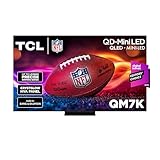
The TCL 55QM7K is a 2025 model Mini LED QLED television that sits in TCL’s premium QM7K series. It targets viewers who want near-OLED picture quality at a more accessible price point. If you’ve been researching high-brightness 4K TVs with strong local dimming and gaming-ready specs, this model deserves a close look. You can find…
Dell UP3218K Review: Is This 8K Monitor Worth It?
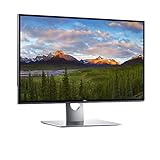
The Dell UP3218K is one of the most ambitious consumer monitors ever released. Designed for professionals who demand the absolute highest resolution available in a desktop display, this 32-inch 8K monitor pushes the boundaries of what a single screen can deliver. You can find the Dell UP3218K on Amazon if you want to explore current…
Using a Hisense TV as a Monitor for Coding: What You Need to Know
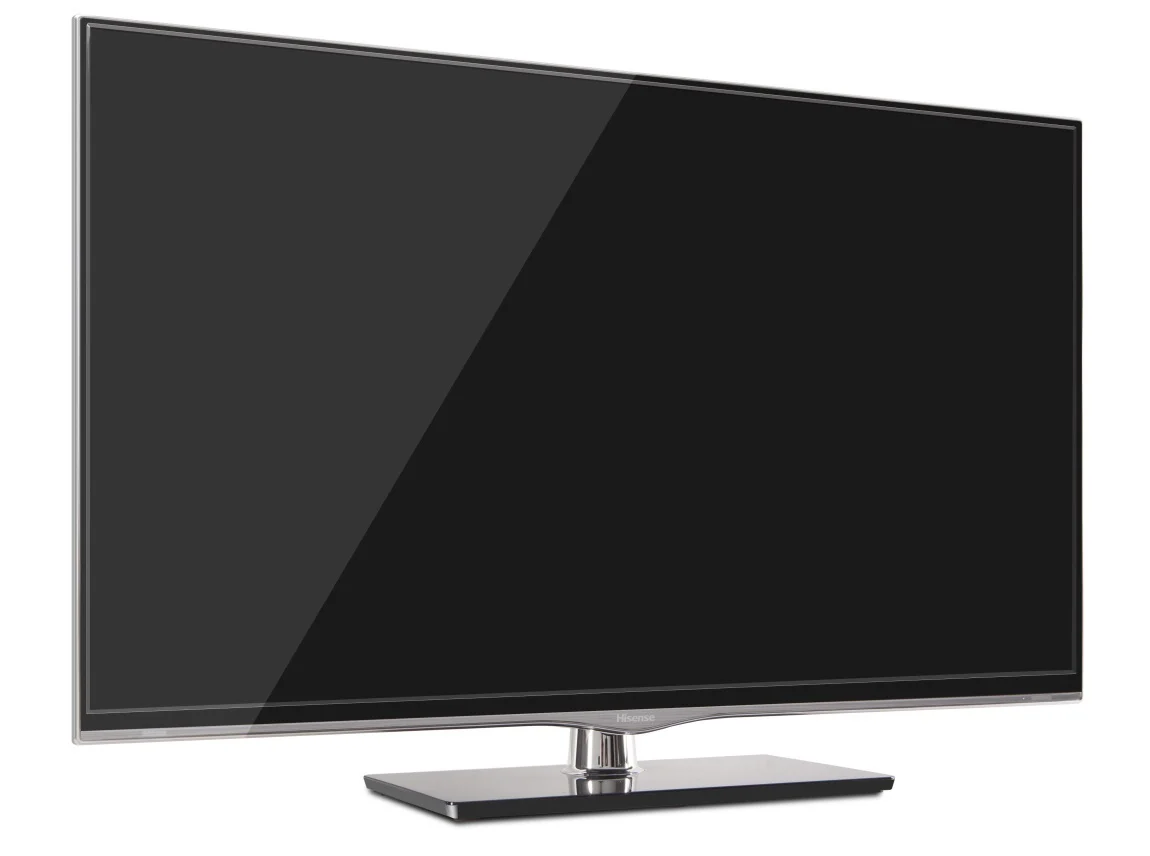
Using a large-screen TV as a coding monitor is a setup that more developers are exploring, especially as remote work and home office upgrades have become priorities. Hisense TVs, known for their competitive pricing and solid display specs, are a common choice for this kind of dual-purpose setup. This guide covers what it’s actually like…
Dell2219H Resolution: Everything You Need to Know
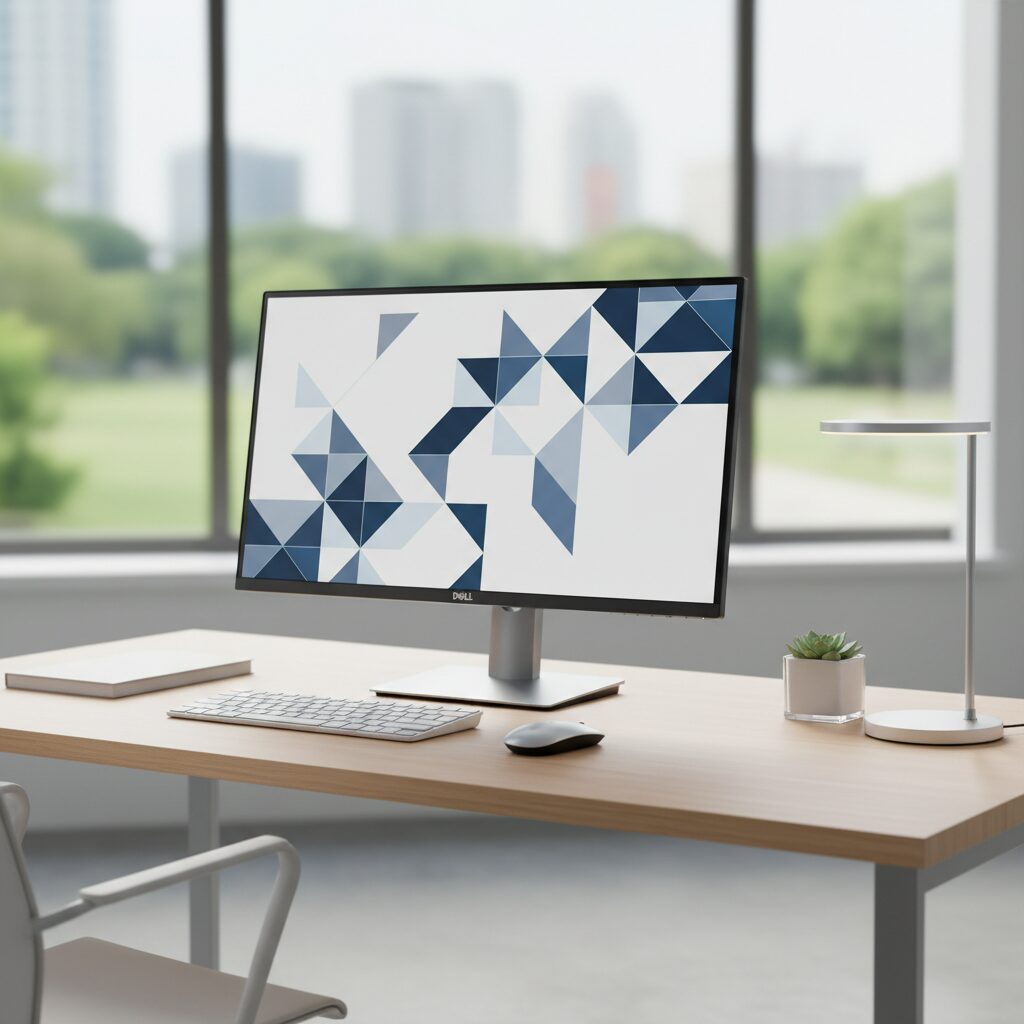
The Dell P2219H is a 21.5-inch monitor designed for professional and everyday computing environments. One of the most common questions buyers and users have is about its resolution capabilities and how that affects day-to-day use. Understanding the P2219H resolution helps you determine whether this display is the right fit for your workspace. This guide breaks…
1440 x 900 Resolution Explained: What It Is and When It Matters
The 1440 x 900 resolution appears on a wide range of laptops, older monitors, and budget displays. If you’ve seen this specification listed on a device and wondered what it means for everyday use, this guide breaks it down clearly and practically. This resolution sits between standard HD and full HD, offering a noticeable step…
How to Set Up Dual Monitors with HDMI: A Complete Guide
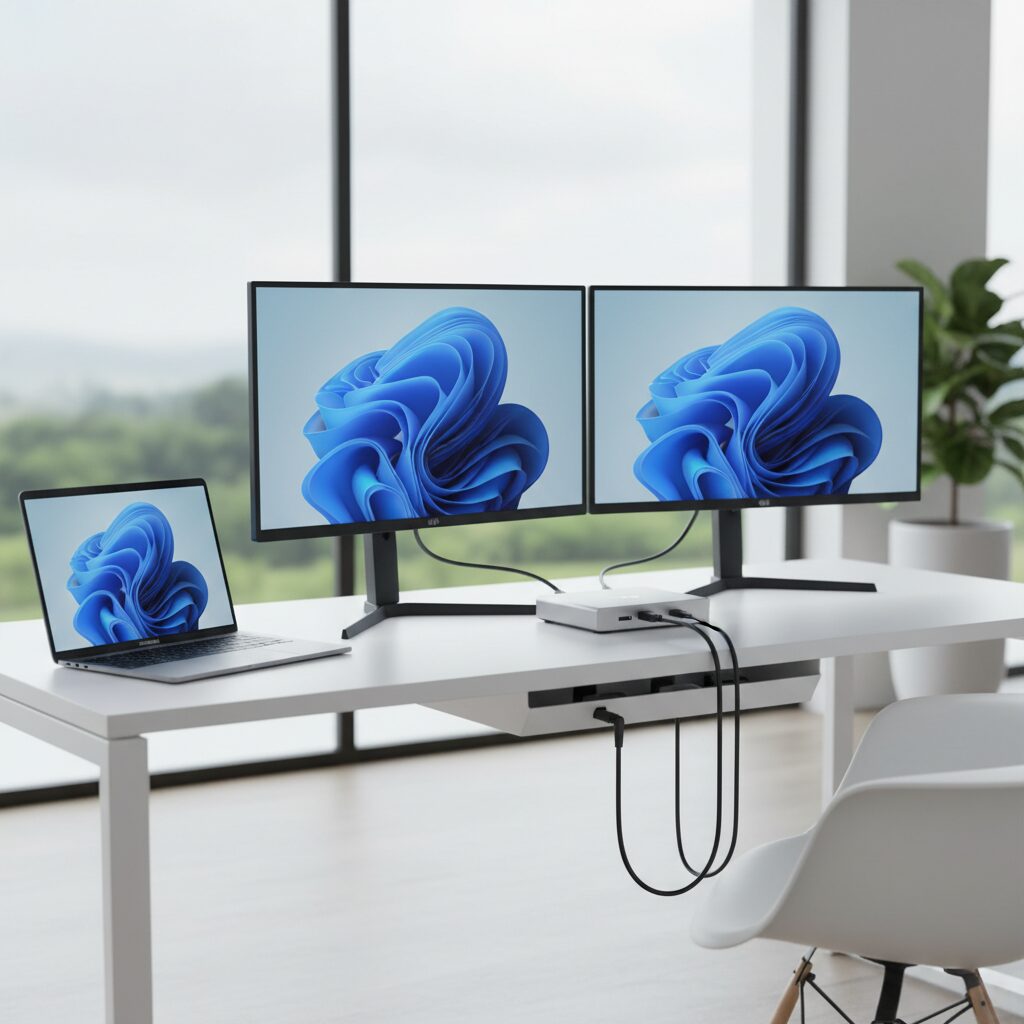
Setting up dual monitors with HDMI is one of the most practical upgrades you can make to a desktop or laptop workspace. Whether you’re a remote worker, gamer, or content creator, a second screen dramatically expands your productivity and multitasking ability. Most modern computers support dual monitor setups out of the box. HDMI is the…
Hisense Monitor: What You Need to Know Before You Buy
Hisense is a brand most people associate with affordable televisions, but the company has expanded its lineup to include computer monitors as well. Hisense monitors occupy an interesting space in the market, offering large screen sizes and panel technology typically found in higher-priced displays, at budget-friendly price points. Whether you are setting up a home…
Multiple Monitor Setup: Everything You Need to Know
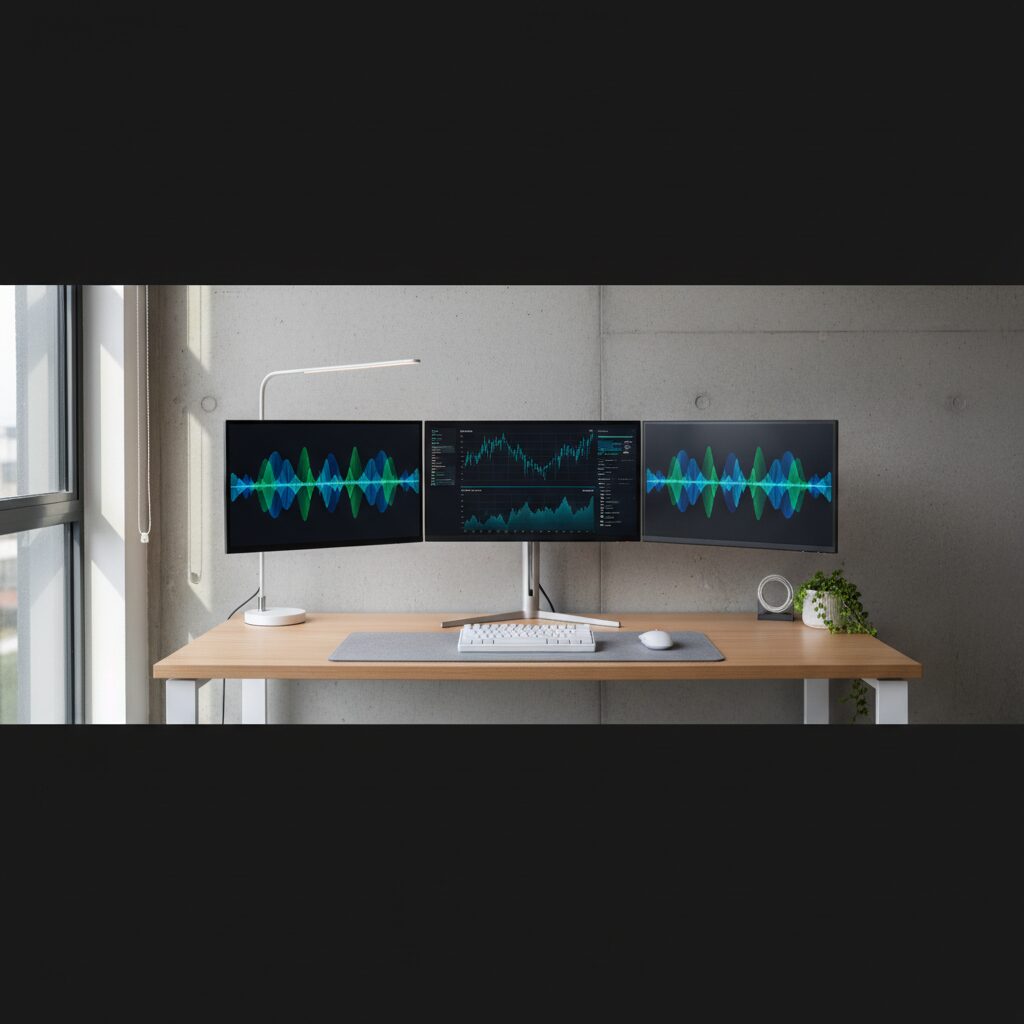
A multiple monitor setup connects or more displays to a single computer, allowing you to spread your work across a larger visual workspace. Whether you’re a remote worker, gamer, video editor, or developer, using more than one screen can fundamentally change how you interact with your computer. This guide breaks down everything you need to…
Why Is My 144Hz Monitor Only Showing 60Hz?

A 144Hz monitor should provide smooth, high-refresh-rate visuals, but if it’s only displaying 60Hz, something is preventing it from running at full potential. Let’s explore the common reasons and how to fix them. Common Reasons Why Your 144Hz Monitor Is Stuck at 60Hz 1. Incorrect Display Settings 2. Wrong Cable Type or Connection 3. GPU…